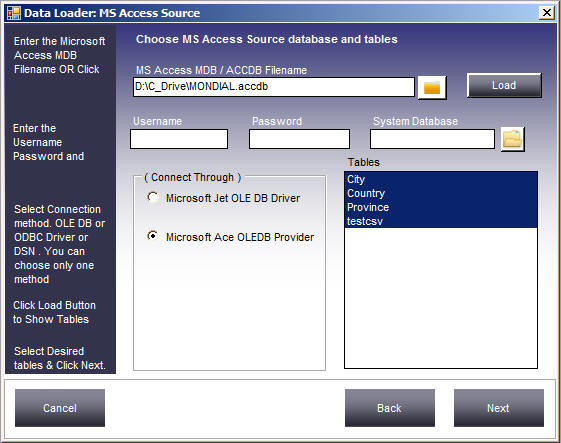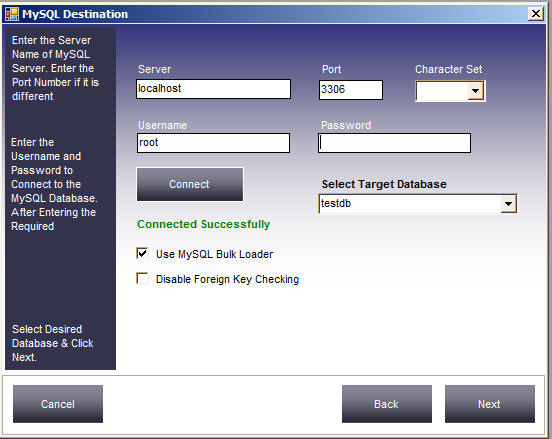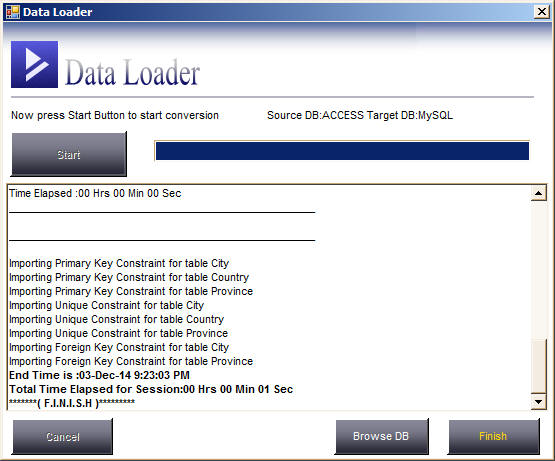
 Excel to MS Access Converter is a tool to Convert, Migrate data from Excel Files to MS Access Database. You can convert multiple Excel Sheets to MS Access in one go. While converting you can map source columns to matching destination table columns, filter rows by specifying WHERE conditions.
Supports almost all version of Excel. Both XLS and XLSX files are supported.
Supports all versions of  MS Access. Both MDB or ACCDB files are supported.
It comes with a built in scheduler to enable you to run transfer jobs at specified intervals automatically.
Provides a command line interface also to run migration jobs manually thus it can be easily integrated with your own application.
Using Excel to MS Access Converter you can perform the following conversion
- Excel to MS Access Database
- MS Access to CSV / Delimited / Fixed Width files
- Excel to CSV files
- MS Access to MS Access Database
Features
- Wizard based
- Map Source Columns to Target Table columns
- Specify WHERE conditions to filter data
- Save and Schedule of Sessions for recurring data transfers.
- Fast Speed
- Completely user friendly
- No need to write any code
- Select single or multiple CSV files / Excel Sheets to transfer
- Select or Deselect Columns while transferring
- Change Destination Datatypes and widths
- Most Popular product in Database App. section in download.com
- Economical costs just $99 For Standard Version
- Fully functional Trial version with just 50 rows limit is available
- Transfer Millions of rows easily and fast. That’s what our existing Customers are doing
- Runs on all Windows Versions: Windows 10, Windows 8.1, Windows 7,Windows 2012, Win 2003,Win 2000, XP
Select the Folder containing Excel, Choose Target Access database and click Start